Someone left, and the work chats stayed on their phone.
Switch the employee off and they leave every group, while the messages stay with the company.
A separate chat for the whole company: department groups, calls with screen sharing, tasks straight from messages. The team moves over in one day, and we take care of the setup.


Companies in Ukraine and around the world that trusted us to automate their work
Everything the team uses every day, plus what a personal messenger never has: tasks from a conversation and order in notifications.
Direct messages, department groups and company-wide groups. Reactions, pinned messages, read receipts, photos and files.
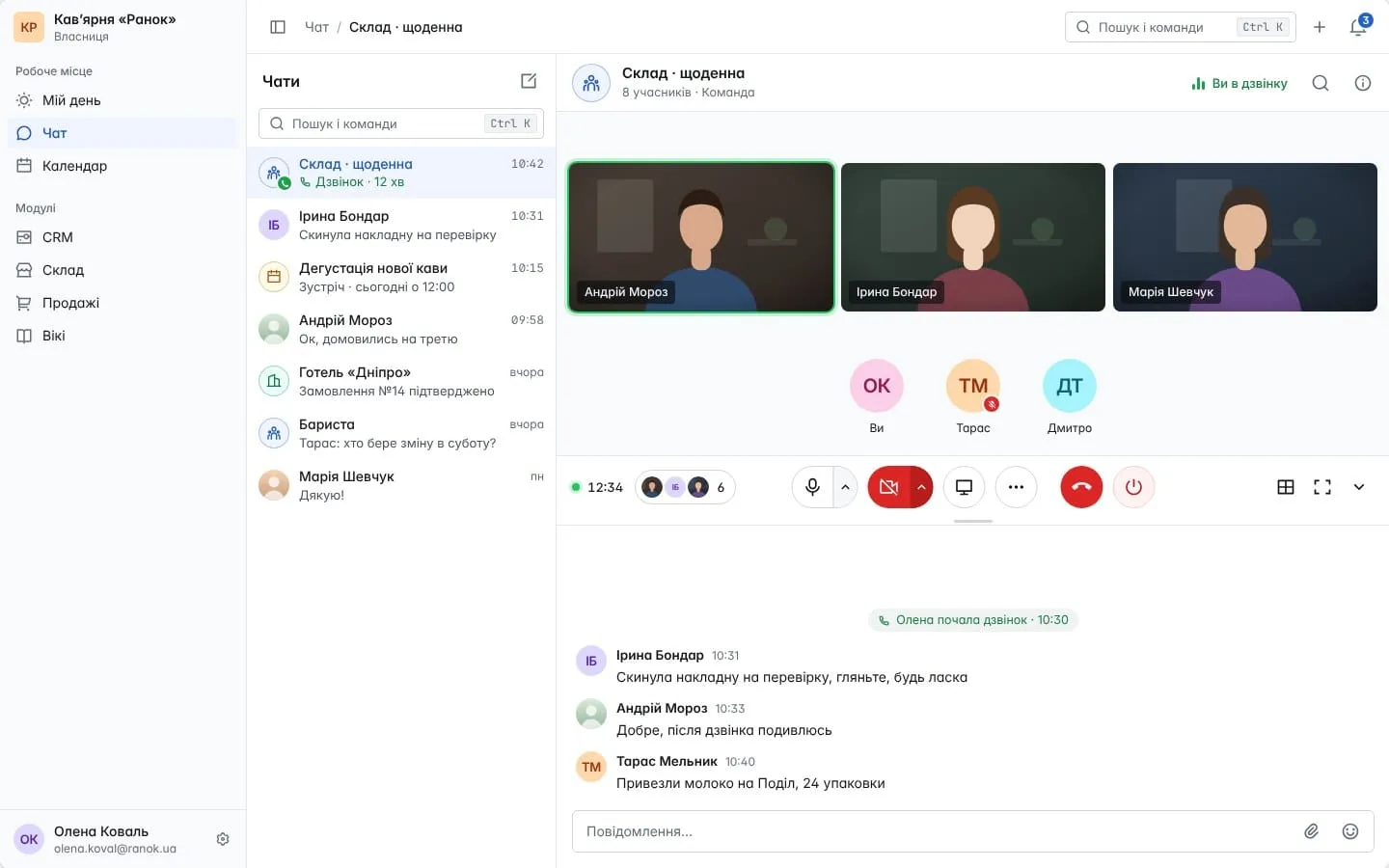
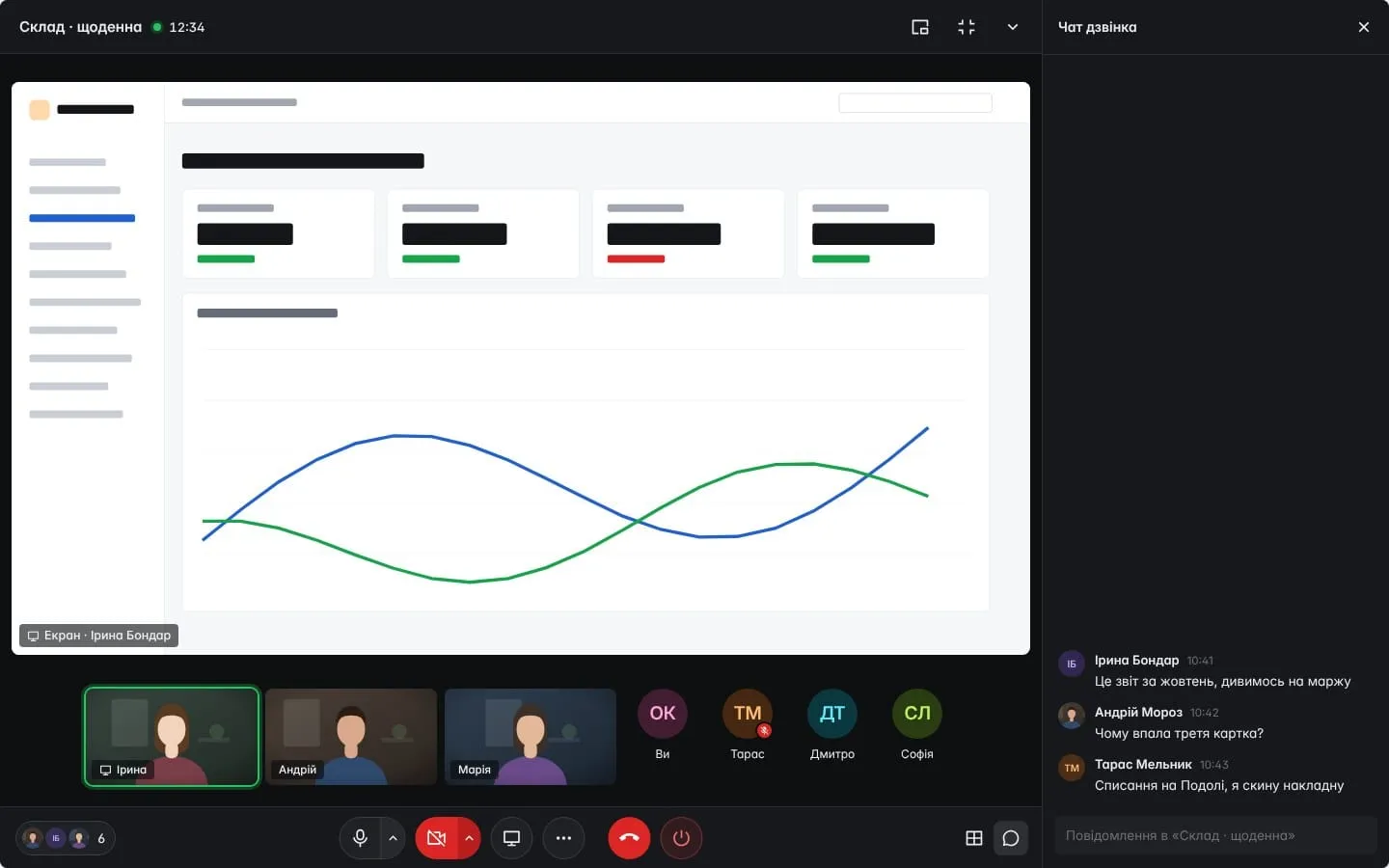
A video call one-to-one or with the whole group, with screen sharing and background blur. You invite someone from outside with a link.

Select a message and the AI assistant drafts a task or a meeting; you check it and save. Every task and meeting has its own chat.
For each chat: all messages, mentions only, or nothing. Deep Work mode turns notifications off while you focus.


The Android app is on Google Play. On iPhone, OpenBP is added from the browser to the home screen and sends notifications. Anything written offline goes out as soon as the connection is back.
An App Store app is in the works.When an employee is switched off, they lose access and leave every group chat. Their messages in the groups stay where they were.
A chat works only when everyone is in it: people don’t keep two messengers for the same work. So we move together, on an agreed day.
Research: Markus, 1987; Abu-Salma et al., 2017.
Messages from Telegram, Viber and WhatsApp arrive in the OpenBP work chat, and you reply from there. Employees move over completely, and only clients stay on the messengers.
Viber and WhatsApp connect through the e-chat.tech service, which is paid separately.
You pay for the space, not for each person, and calls, tasks and files are already included. A setup consultation is free on any plan.
For comparison: Slack Pro is €6.75 per person per month billed yearly, Microsoft Teams Essentials $4 per person. Prices from the vendors’ websites as of 1 November 2026, excluding VAT.
Leave your contact: we’ll call back on a working day, ask about your team and suggest a date.